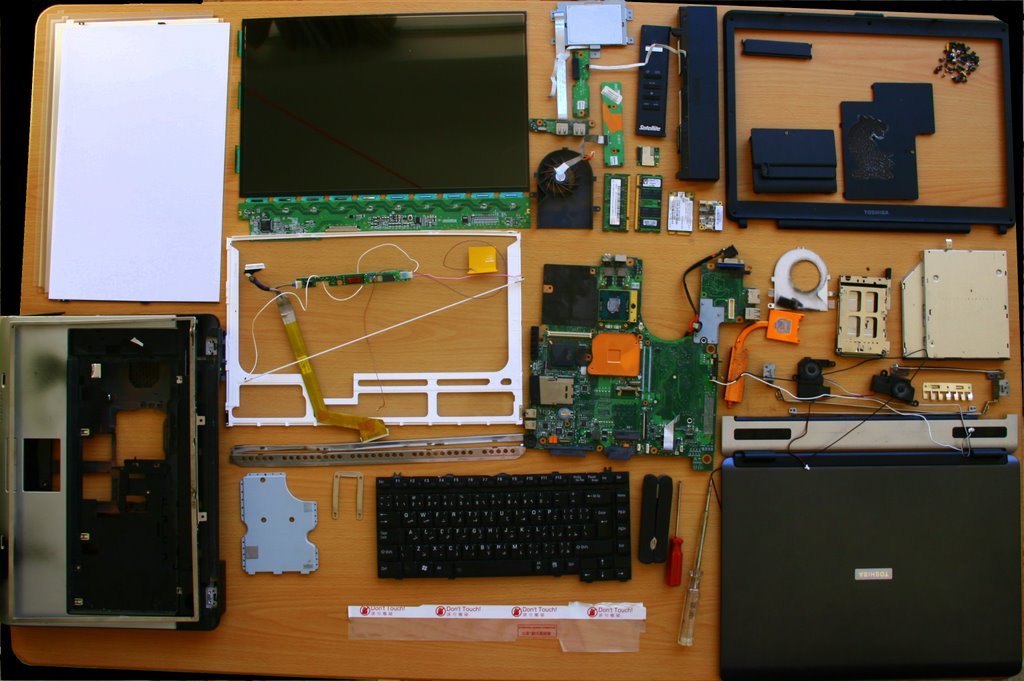
Dell BIOS Recovery Guide: Fixing Boot & BIOS Errors
 Photo: Wikimedia Commons
When a laptop won't even reach the Windows loading screen — no logo, no spinner, sometimes just a blinking cursor or a cryptic error code — the problem usually sits in the BIOS, not in Windows itself. Dell BIOS repair Kolkata covers exactly this class of fault.
What Causes BIOS Corruption
- A power cut or battery failure during a BIOS/firmware update
- A failing CMOS battery causing settings to reset unpredictably
- Malware that specifically targets firmware-level storage
- Physical damage to the BIOS chip from liquid or a short circuit
- An interrupted Dell firmware flash from an incompatible update file
How Professional BIOS Recovery Works
Recovery typically starts with Dell's built-in BIOS recovery key combinations, which can restore firmware from a recovery partition in straightforward cases. When that fails — often due to a genuinely corrupted or damaged BIOS chip — our engineers use external programming tools to reflash the chip directly, the same chip-level approach behind our broader Dell motherboard repair Kolkata service.
Is It BIOS or Something Else?
Not every Dell laptop black screen repair case is BIOS-related — a faulty RAM stick, a failed display cable, or a dead screen can all produce a similar black-screen symptom. Our diagnostic isolates the cause by testing with an external display and known-good RAM before concluding it's a firmware issue, so you're never paying for a BIOS repair that a simpler part swap would have fixed.
Preserving Your Data During Recovery
In almost all BIOS recovery cases, the hard drive or SSD and its data are completely unaffected — the fault sits in a separate firmware chip, not your storage. We always confirm this with you before starting any recovery procedure.
Frequently Asked Questions
Will BIOS recovery delete my files?
No. BIOS firmware is stored separately from your hard drive or SSD, so a BIOS recovery does not affect your personal files, documents, or installed programs.
How do I know if it's a BIOS issue and not a Windows issue?
If the laptop doesn't even show the manufacturer logo or reach a Windows loading animation, it's almost always a BIOS or hardware-level fault rather than a Windows software problem.
Facing This Issue on Your Dell Laptop?
Get a free diagnostic and transparent quote from Kolkata's trusted Dell Service Centre — same-day repair, genuine parts, doorstep service available.