Dell Laptop Won't Turn On: A Step-by-Step Troubleshooting Guide
 Photo: Wikimedia Commons
A Dell laptop not turning on is one of the more alarming problems to face, but it's rarely as final as it feels. There's a clear, logical order our technicians follow to isolate the fault, and you can rule out a few things yourself before booking a repair.
Before You Book a Repair: Quick Checks
- Hold the power button for 15–20 seconds to force a full discharge, then try again
- Try a different charger and wall socket to rule out a dead adapter
- Remove the battery (if removable) and try running on AC power only
- Look and listen for any lights, fan spin, or beep codes when pressing power
- Check if an external monitor shows a display — this points to a screen, not a board, fault
Reading the Symptoms
If there's absolutely no light or fan movement, the issue usually sits in the power delivery path — battery, charger, or a Dell motherboard repair Kolkata case involving the charging IC. If the fans spin and lights turn on but there's Dell laptop no display, the fault is more likely the screen, the RAM seating, or the GPU — often a far simpler and cheaper fix than a dead board.
What Our Diagnostic Actually Checks
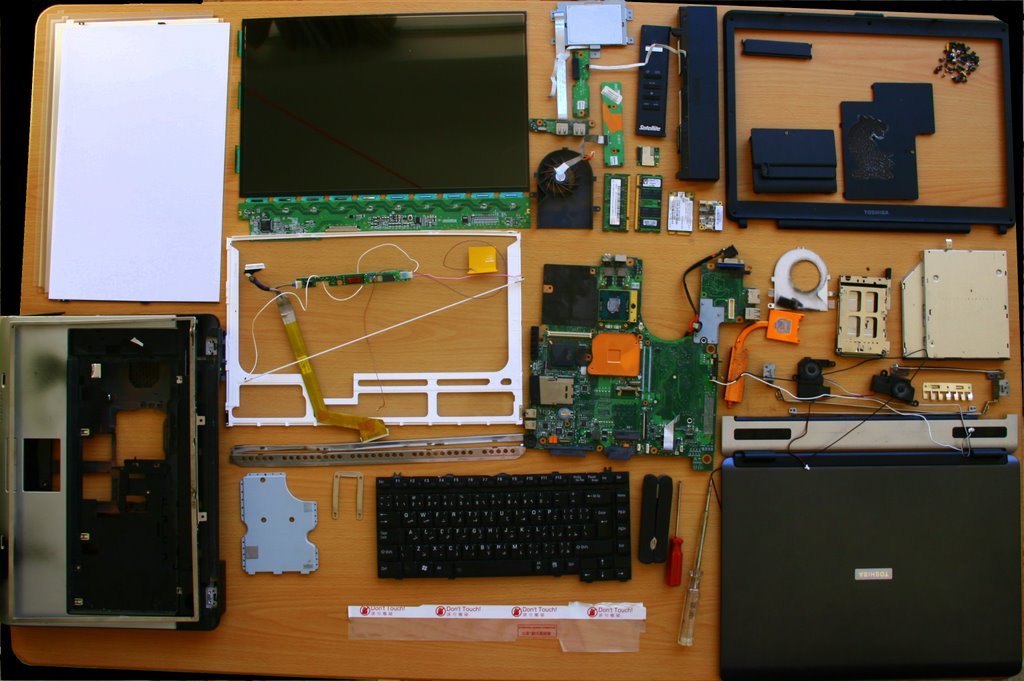
At our Dell service centre Kolkata, a no-power diagnostic includes testing the charger output, checking the DC jack and battery independently, reseating RAM and the CPU heatsink, and — if needed — testing the board on a bench power supply to isolate a Dell laptop boot issue from true motherboard failure.
Frequently Asked Questions
My Dell laptop's lights turn on but the screen stays black — what's wrong?
This usually points to a display, RAM seating, or GPU issue rather than the motherboard itself, and is often resolved without a full board repair.
Can a laptop that won't turn on still have its data recovered?
In almost all cases, yes. Even with motherboard failure, the hard drive or SSD can typically be removed and its data recovered separately.
Facing This Issue on Your Dell Laptop?
Get a free diagnostic and transparent quote from Kolkata's trusted Dell Service Centre — same-day repair, genuine parts, doorstep service available.