Dell Laptop Data Recovery: How to Retrieve Lost Files
 Photo: Wikimedia Commons
One of the most reassuring facts we share with customers is this: a dead motherboard, a cracked screen, or even significant water damage rarely means your files are gone. Dell data recovery Kolkata is possible in the large majority of cases we see, because the storage drive is a physically separate component from the rest of the laptop.
Common Situations That Require Data Recovery
- Laptop suffered water damage and won't power on
- Motherboard failure leaves the laptop completely dead
- A failing SSD or HDD with clicking noises or frequent freezes
- Accidental deletion or a corrupted Windows installation
- Physical damage to the laptop chassis or screen, drive intact
How the Recovery Process Works
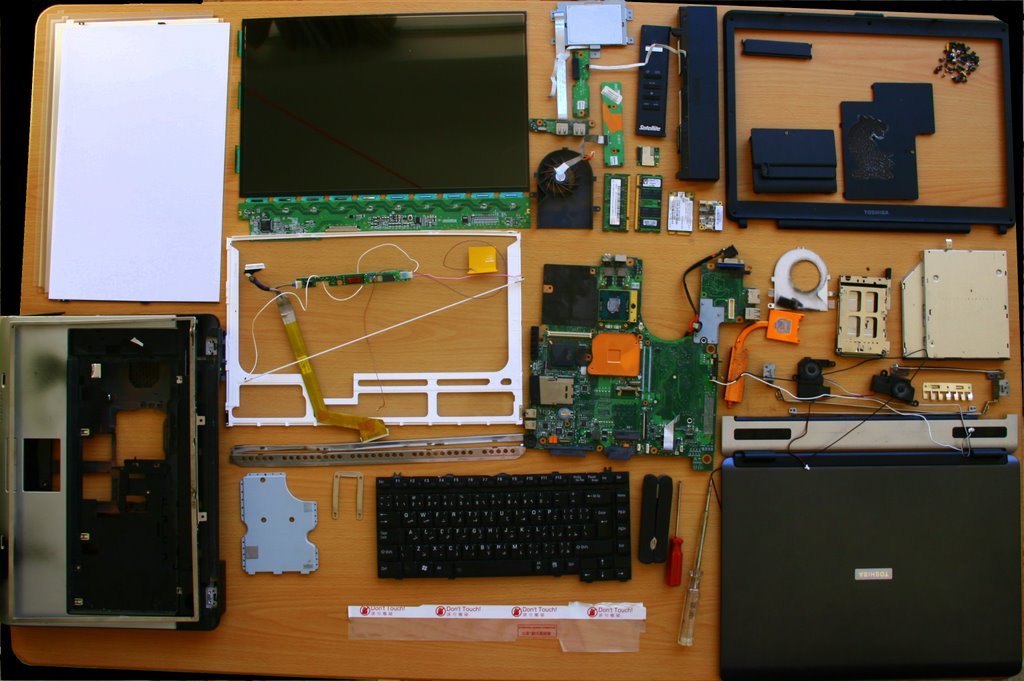
For most cases, our engineers safely remove the internal drive and connect it externally to read data without powering through the laptop's own (potentially faulty) circuitry. For a genuinely failing drive experiencing a Dell laptop SSD failure or clicking Dell laptop hard disk repair case, we use specialised recovery tools designed to read damaged sectors without causing further data loss.
What Improves Your Chances of Full Recovery
Stopping use of the laptop the moment you notice symptoms — clicking sounds, frequent freezing, files failing to open — dramatically improves recovery odds. Continuing to use a failing drive risks overwriting recoverable data or causing the read heads to damage the disk surface further.
When the Cause Is Motherboard, Not the Drive
If the real fault is a dead board rather than the drive, we still recover the data first, then proceed with Dell motherboard repair Kolkata separately — so you're never without your files while the hardware repair is underway.
Frequently Asked Questions
Can data be recovered from a laptop that won't turn on at all?
In most cases, yes. The drive can typically be removed and read externally, independent of whatever is causing the laptop itself to not power on.
How long does Dell laptop data recovery take?
Straightforward cases (dead motherboard, healthy drive) can often be completed within a day. Physically damaged drives requiring specialised recovery tools may take longer.
Facing This Issue on Your Dell Laptop?
Get a free diagnostic and transparent quote from Kolkata's trusted Dell Service Centre — same-day repair, genuine parts, doorstep service available.